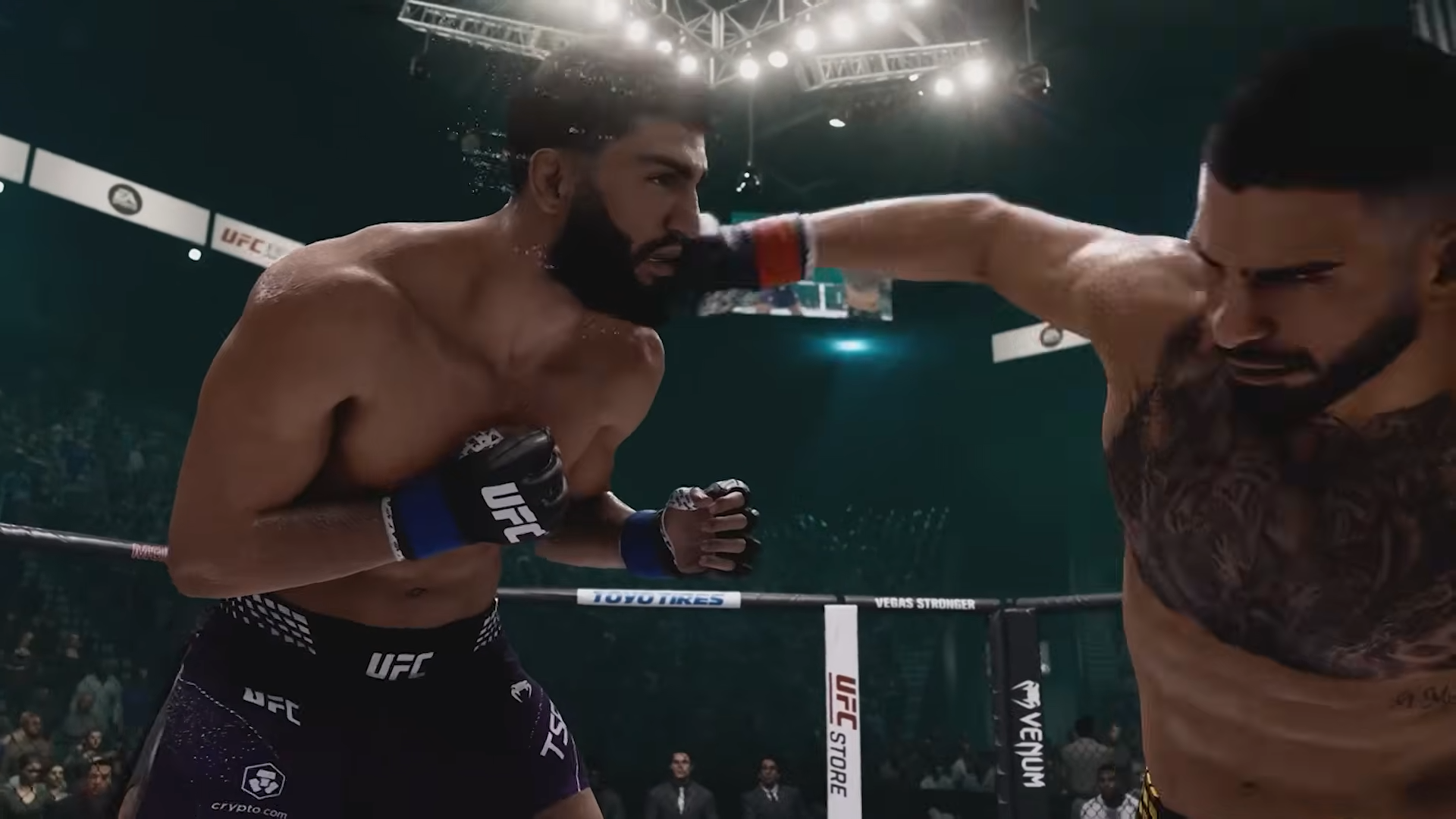
To skip the pre-fight entrance in UFC 6, hold down the A button (Cross on PlayStation) the moment the walkout begins and the game jumps straight to the fight.
EA Sports UFC 6 launched on June 19, 2026 for PlayStation 5 and Xbox Series X|S, and like every game in the series it front-loads each bout with a full walkout and presentation sequence before you ever throw a punch. If you just want to fight, the quickest route is to hold the button down as the entrance starts rather than tapping it — keep it held and the entrance collapses into the opening of the round. The held input shown in-game maps to A on Xbox, so on a PlayStation pad reach for Cross in the same spot, though treat the exact button as something to confirm on your own controller since it hasn’t been spelled out in any official UFC 6 documentation yet.
Hold the skip button the instant the walkout begins instead of pressing it once — many fighting games need the input held for a second or two rather than tapped.
The other place worth checking is the game’s settings. Pause mid-fight and look under a menu commonly labelled Presentation, Cinematics, or Visual, and from the main menu check Game Settings or any Accessibility options for something that shortens or removes cutscenes. A toggle named like “Walkouts” or “Fight Intros” would be the thing you want. To be clear, these are sensible places to look based on how the genre is usually built — a dedicated entrance toggle has not been confirmed to exist in UFC 6, so think of it as a menu worth scanning rather than a setting you’re guaranteed to find.
Shortening walkouts, the tale of the tape, and post-fight replays
The entrance is only one of several non-interactive stretches you’ll sit through, and the natural follow-up wants are the walkout itself, the tale of the tape, the referee sequence and final face-off, and the post-fight replays. The same held-button skip is your best first attempt at each one, and if a segment refuses to skip you can usually wait it out until the next break point gives you another chance to advance.
Frequently Asked Questions
What button skips the intro on PS5 versus Xbox?
The skip shown in-game is a held button — A on Xbox, which maps to Cross in the same position on a PlayStation 5 controller. EA hasn’t published the exact control, so confirm it against any on-screen prompt that appears during the entrance on your own platform.
Can you skip the intro in online matches, or does it depend on the other player?
It may depend on both players. In online play the presentation is often a shared flow, so a skip that’s instant offline can hinge on the other player or the match’s pacing. This is inferred from older games in the series and isn’t yet confirmed for UFC 6.
Is there a setting to permanently skip all fight introductions and walkouts in UFC 6?
No such setting has been confirmed. It’s worth checking a Presentation, Cinematics, or Accessibility menu for a cutscene or walkout toggle, but a verified “always skip” option for UFC 6 hasn’t been documented.
Does holding the button also skip the tale of the tape and final face-off?
You can try the same held-button skip on the tale of the tape, referee sequence, and final face-off, since they’re part of the same pre-fight presentation. Whether each segment skips cleanly isn’t confirmed — if one won’t budge, wait for the next break point and try again.
Video help