Learn how to set up electricity in Solarpunk by wiring solar panels, cables, batteries, displays, and switches into a stable power network that keeps devices running efficiently.
Electricity in Solarpunk trips a lot of people up, but the chain itself is simple once you can picture it: panels make the power, cables carry it, the battery stores it, the display tells you whether you’re in the green, and a switch lets you flip a device on or off. Get that flow right and the one rule that actually matters falls out of it — your energy balance has to stay above what your devices are pulling.
To power devices in Solarpunk you wire solar panels together with cables, run them into a battery, then connect the battery (or the network display) out to whatever you want to run — keeping generation above consumption so the battery charges instead of drains.
The working power chain at a glance

The mental model is a one-way street with storage in the middle. Solar panels generate, cables connect everything, the battery banks the surplus, and the network display reads out your balance so you know where you stand. Anything you want to run — a sprinkler, for instance — hangs off the end of that chain.
What each component does in the wiring
Five pieces do all the work. Solar panels are your generation — they produce power during the day and taper off with weather and at night. Cables are just the connections; they’re what you wire between every part to complete the circuit. The battery is your storage, and it’s bidirectional — it both takes in surplus and feeds power back out — so its placement and orientation don’t matter. You don’t have to fuss over which side faces which.
The network display is your readout. It shows the energy balance — the difference between what you’re making and what you’re using — and reading it correctly is half the battle. A balance of zero isn’t always a problem; it can simply mean the battery is full and nothing extra is being drawn. Finally, switches let you toggle a device or a whole line on or off, so you can cut power to a branch without tearing down the wiring.
How to wire your solar power setup in Solarpunk
STEP 1/5
Place your solar panels
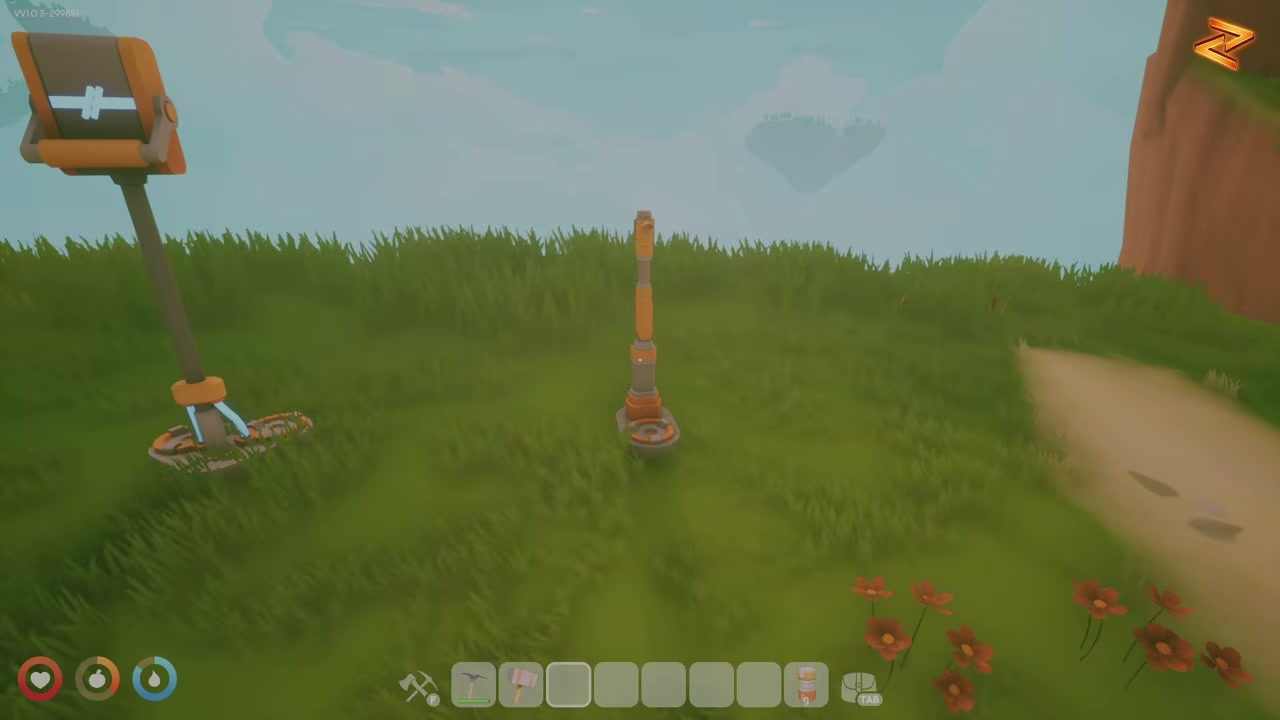
Set down the solar panels that will generate your power — they put out the most during the daytime.
STEP 2/5
Wire the panels together
Take cables and connect the solar panels to one another so they feed into a single line.
STEP 3/5
Run a cable from the panels to the battery
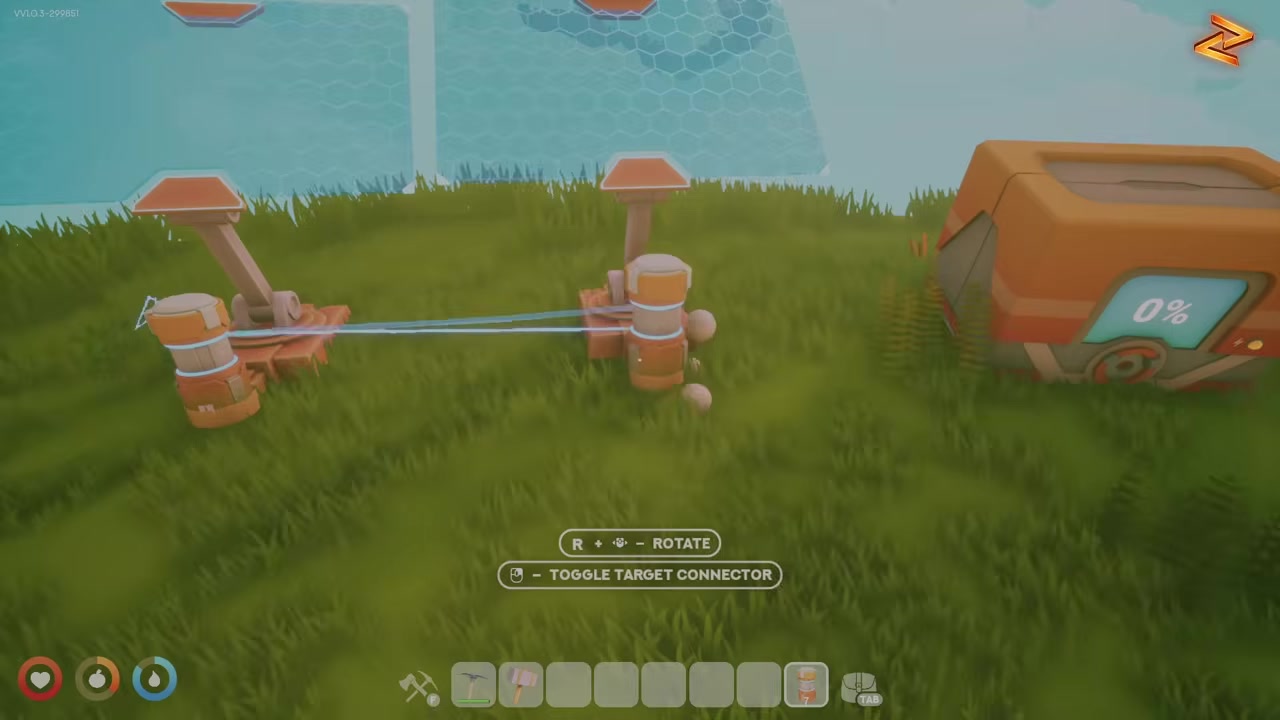
Connect the wired panels into the battery; because the battery is bidirectional, its placement and orientation don’t matter.
STEP 4/5
Connect the battery to the network display
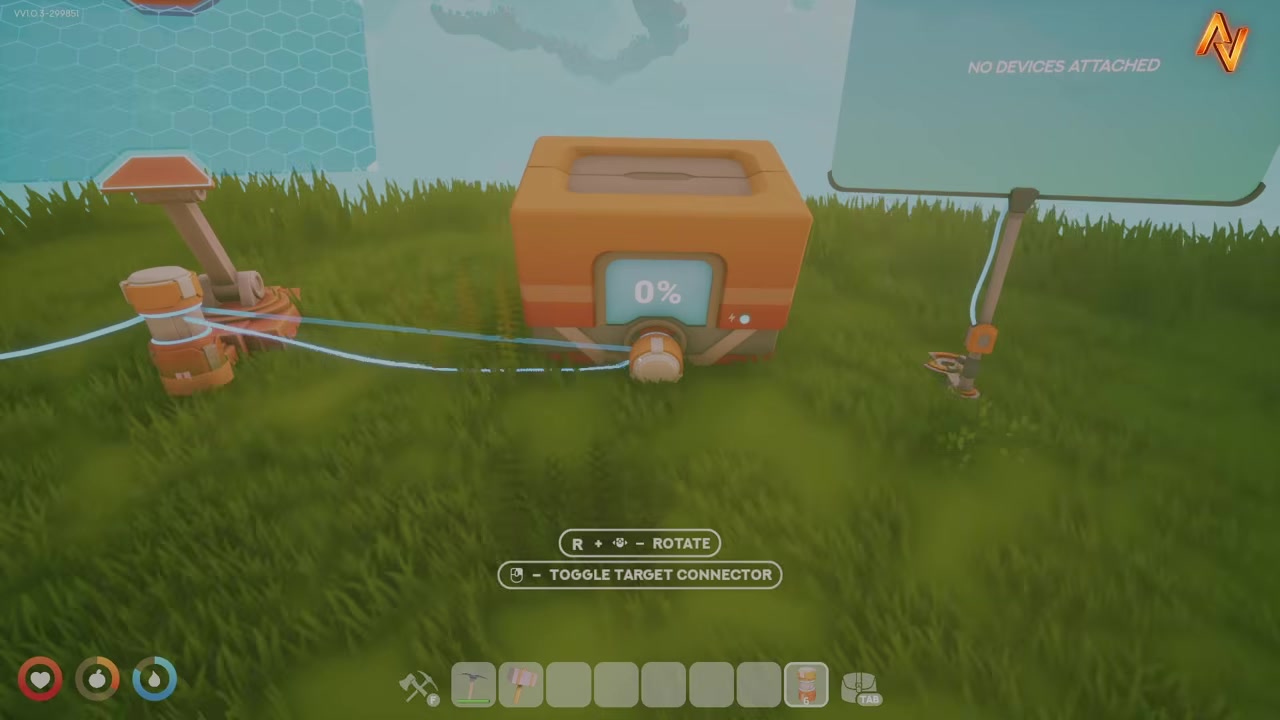
Wire the battery out to the network display so you can read your energy balance.
STEP 5/5
Read the energy balance to verify
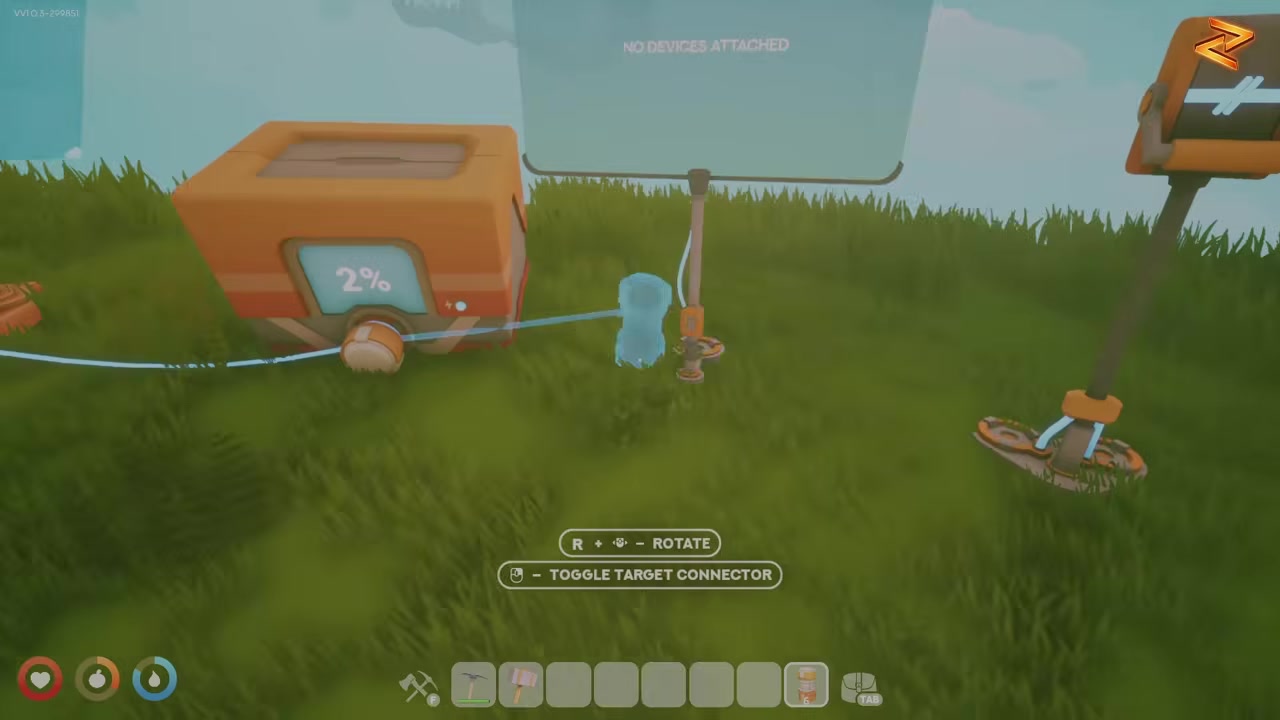
Check the display — it shows your balance, and a reading of zero can simply mean the battery is full and nothing extra is being pulled.
If your battery is draining while a device runs, add another solar panel so your generation sits above your consumption — that’s what flips the battery from discharging to charging.
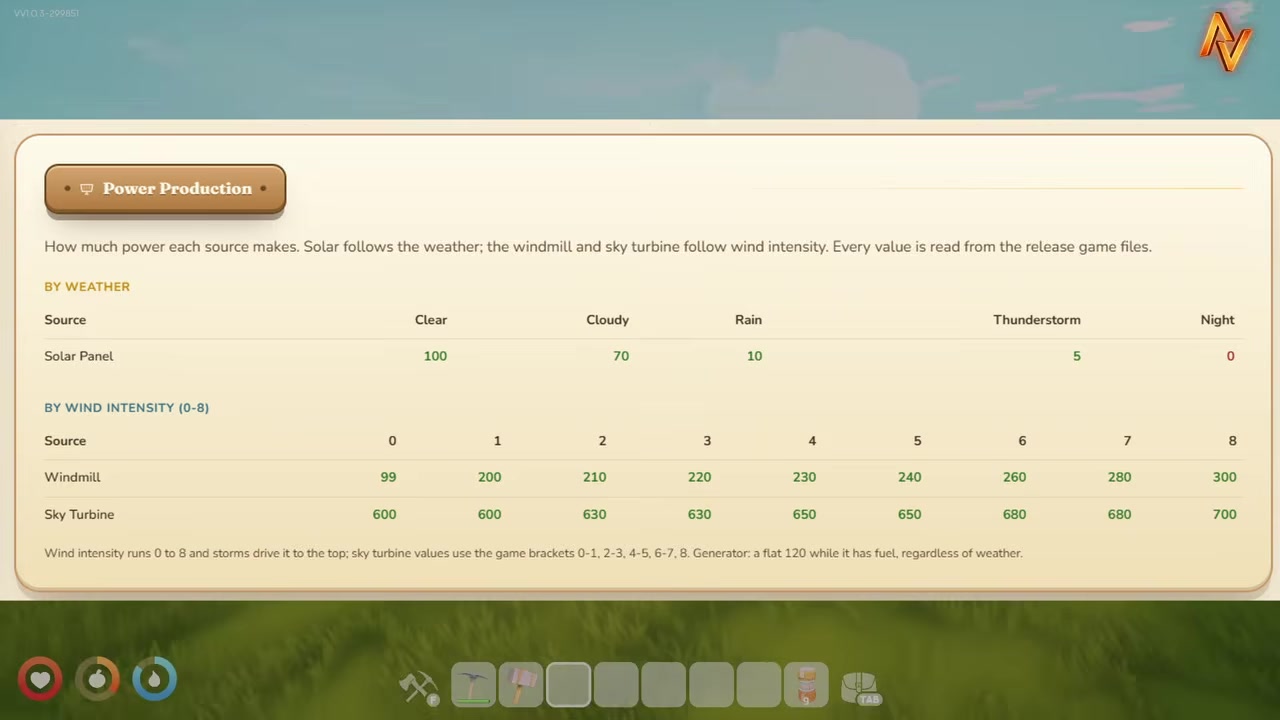
Solar output by weather and time of day
| Condition | Approx. power per panel |
|---|---|
| Daytime | ~70–100 |
| Thunderstorm | ~5 |
| Rain | ~20 |
| Nighttime | 0 |
Each solar panel makes somewhere around 70 to 100 power in clear daytime conditions, and weather cuts into that hard. A thunderstorm drops output to roughly 5, rain knocks it down to about 20, and at night the panels make nothing at all.
Reading the energy balance and using switches
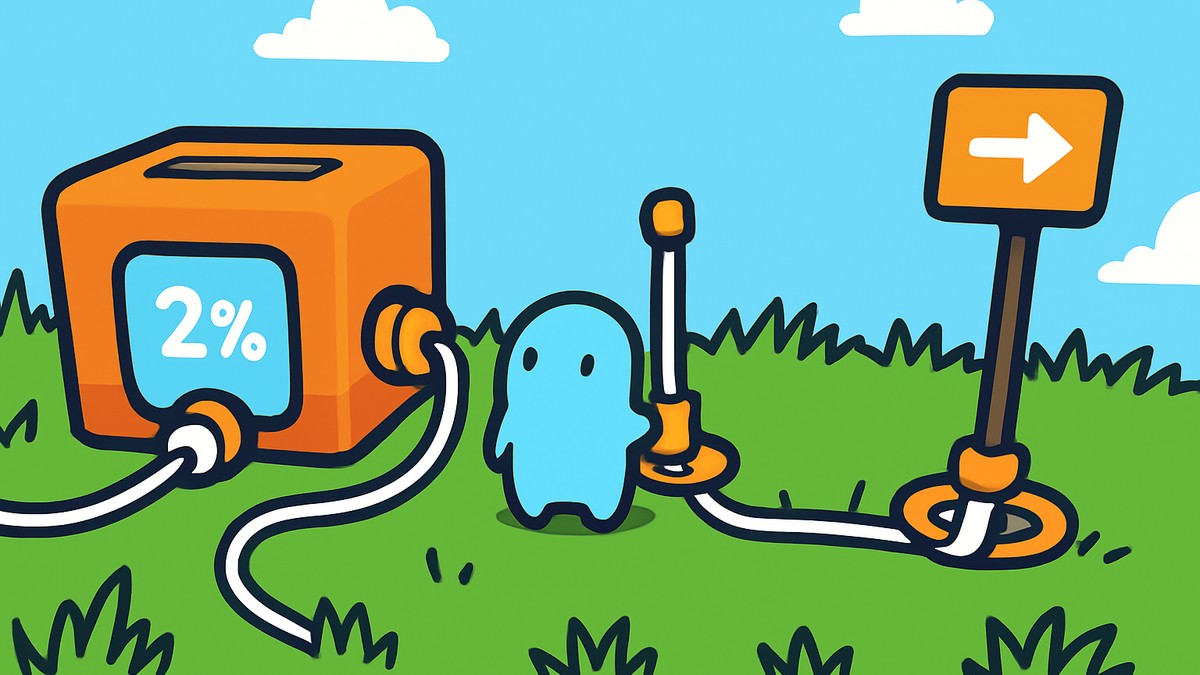
The energy balance on the display tells you the difference between supply and draw, and a reading of zero has two harmless explanations: either the battery is full so nothing more is being banked, or your generation exactly matches your consumption. With two panels making about 100 each, you’d see roughly 200 coming in; once the battery hits 100%, it stops accepting power and the generator line settles back to zero. That’s normal, not a fault.
Frequently Asked Questions
Why is my energy balance showing zero?
A zero balance usually isn’t a problem. It means either your battery is full and isn’t accepting more power, or your draw exactly matches your supply. If a device is running and the balance reads zero while the battery shows a negative number, that’s the one case to watch — you’re pulling from stored charge.
Do solar panels generate power at night or in the rain?
Not at night — panels make nothing after dark. Weather cuts daytime output too: roughly 20 in the rain and around 5 in a thunderstorm, versus about 70–100 in clear daylight. Those numbers are approximate.
Does it matter which way I place the battery or which side the cable connects to?
No. The battery is bidirectional, so its orientation and placement don’t change anything — it both stores incoming power and feeds it back out regardless of which side you wire.
How do switches work, and why does my line go negative when I flip one off?
A switch toggles a device or a whole branch on or off. When you turn it off, that line goes negative and inactive because the branch is only connected through the switch — cutting the switch cuts the bridge, so the rest of that line loses its link.
Why is my battery draining instead of charging while a device runs?
Because your consumption is higher than your generation, so the device is drawing straight from the battery. Add another solar panel (or otherwise raise your supply) until the energy balance sits above what your devices use — then the battery charges even while everything’s running.