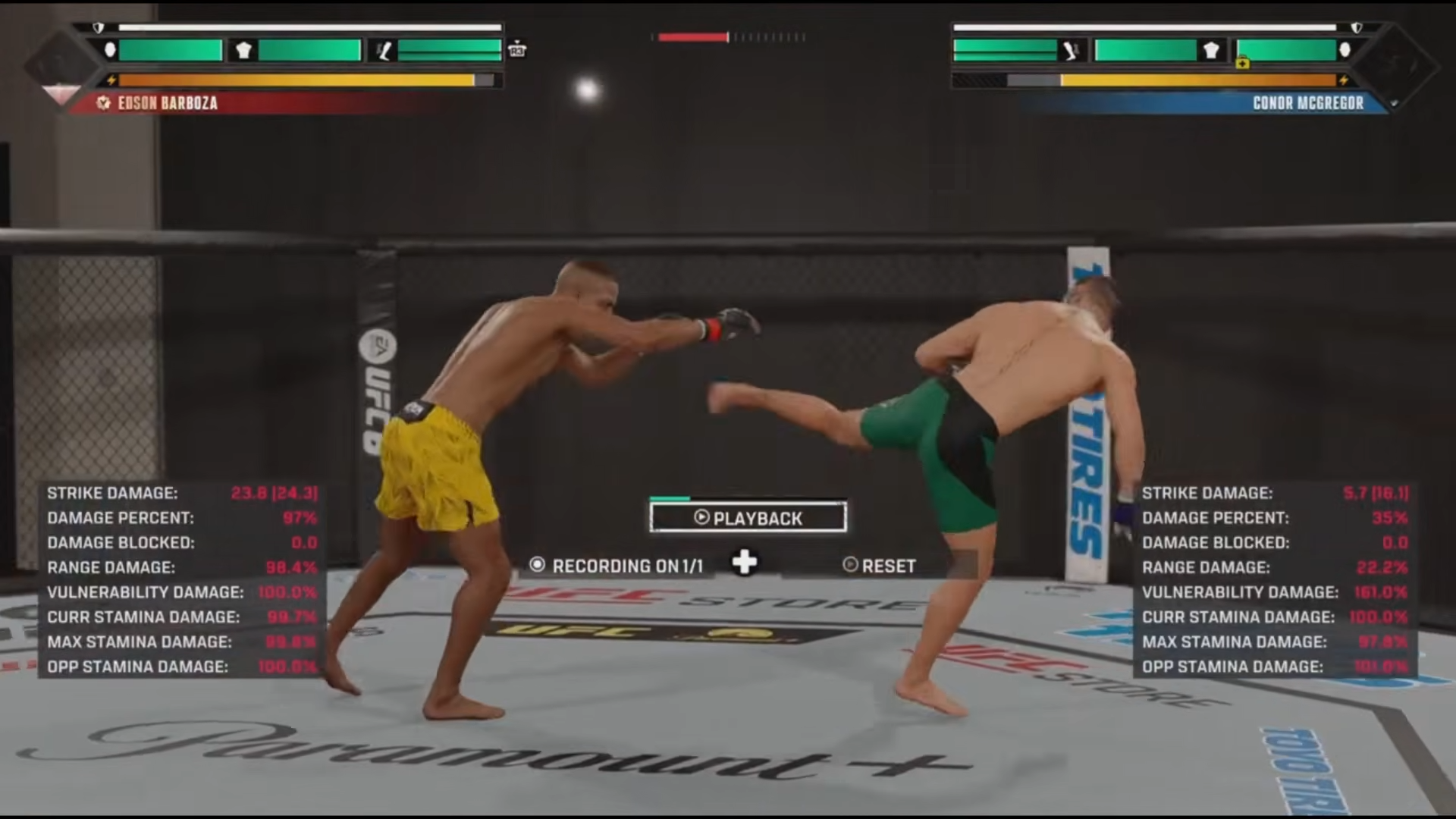
To check your stats mid-fight in UFC 6, press the menu (three-lines) button to pause, then select Fight Stats to see your numbers laid out next to your opponent’s.
Knowing whether you’re actually winning a round in EA Sports UFC 6 is hard to judge from the action alone — strikes feel like they land even when they glance off. The game keeps a running Fight Stats screen you can pull up from the pause menu mid-fight, and it lays your output next to your opponent’s so you can see at a glance who’s been doing the work. Here’s how to open it and how to read what it shows you.
How to open Fight Stats during a match in UFC 6
STEP 1/3
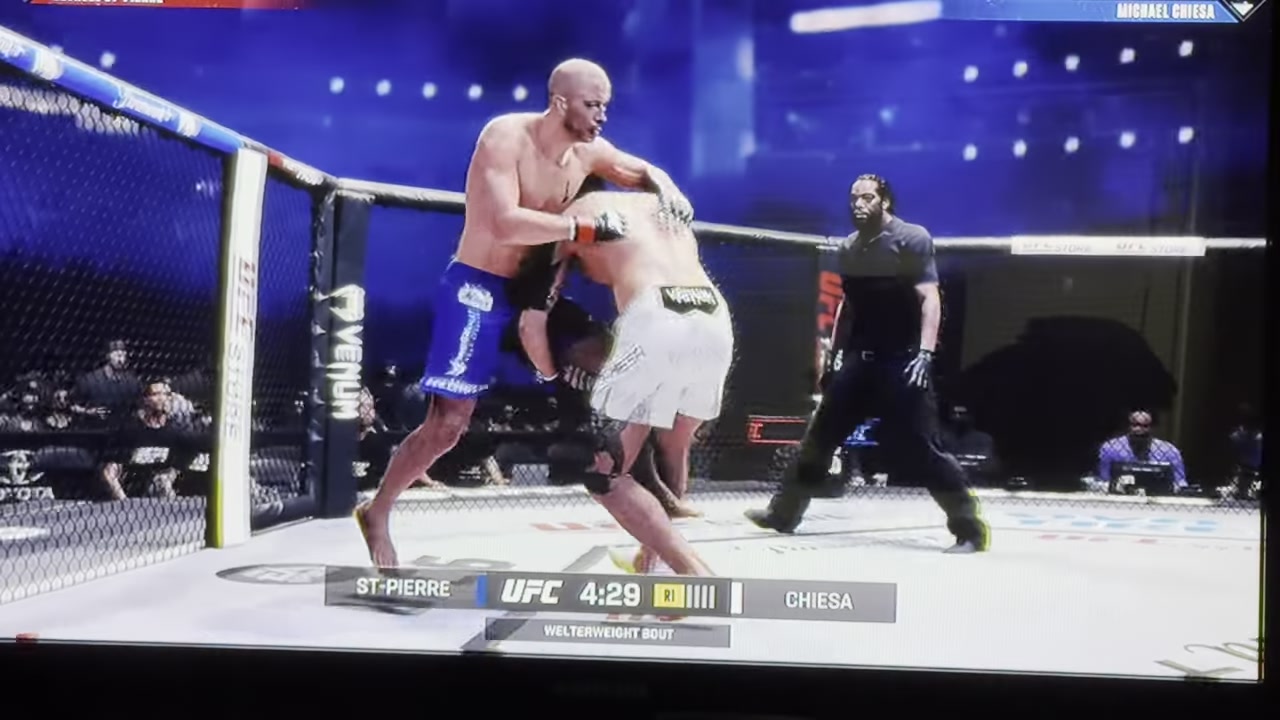
Pause the fight
Press the menu button — the one with the three lines — on your controller to bring up the in-fight options menu.
STEP 2/3
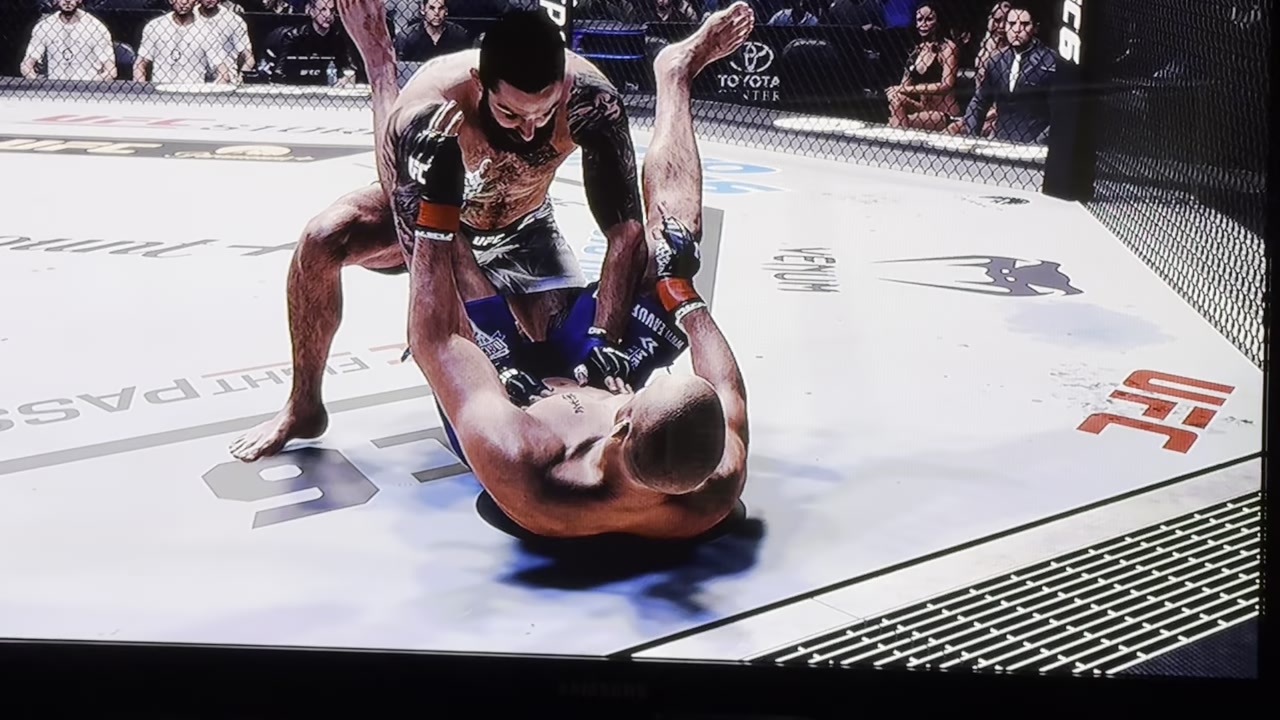
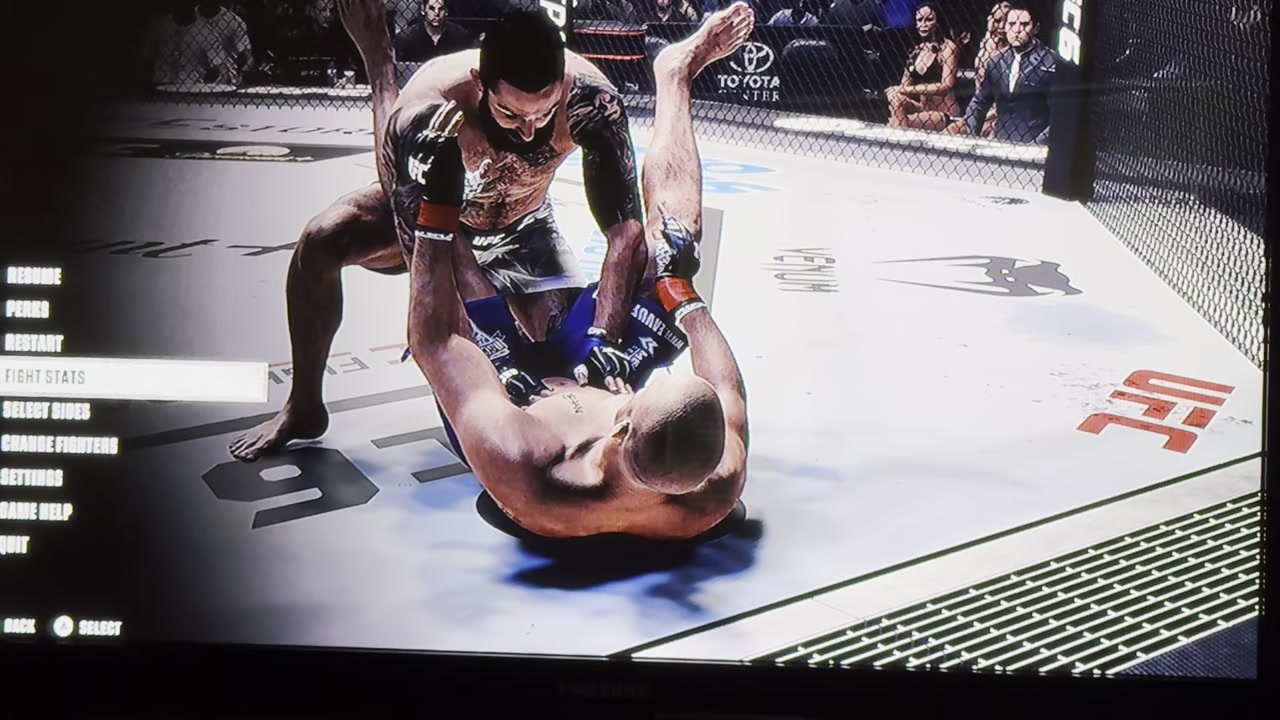
Select Fight Stats
In the list that appears, choose Fight Stats; it sits a few entries down (shown as the fourth option), so scan the menu rather than counting on a fixed spot.
STEP 3/3
Read the comparison
The screen opens with your stats lined up against your opponent’s, so you can judge how the fight is going before you head back in.
The fastest read is the between-rounds break — glance at the side-by-side numbers before the next round starts and adjust pace or range while you still have a corner to think in.
Video help
What the Fight Stats screen shows you
As for the exact categories, expect to see the usual fight-tracking fields that earlier EA UFC titles displayed — things like strikes landed, accuracy, takedowns, control time and knockdowns. Treat that list as a guide rather than gospel: these are carried over from UFC 4 and 5 and aren’t yet confirmed as the precise UFC 6 layout, so the labels and ordering may differ once you’re in front of the real screen.
Reading the numbers without getting fooled
The other common slip is tunnel-visioning on head health. In prior EA UFC games the on-screen bars track body and legs too, and plenty of fights end on a body shot or a leg kick from someone who only watched the head bar. Stamina is worth understanding the same way — there’s typically a temporary bar that drains fast when you spam strikes and a long-term maximum that creeps down over the round, so gassing early costs you more than the moment it happens in. All of that HUD behavior is general EA UFC behavior and unverified for UFC 6 specifically, so use it as a frame of reference, not a spec. One thing that’s simple: if you’ve turned the HUD off for a cleaner look, you won’t see any of these bars — turn it back on if you want them.
Seeing full ratings and the limits outside a fight
If it’s the full fighter attributes you’re after — the complete Power, Chin and Grappling numbers — those live outside the fight, on the game’s ratings hub and on the created-fighter and roster screens rather than the in-round menu. That’s the place to go when you want the deep numbers instead of a round-by-round comparison.
Frequently Asked Questions
Can I see my opponent’s stats too, or just my own?
Both — the Fight Stats screen is a side-by-side comparison, showing your numbers next to your opponent’s so you can gauge who’s winning the exchanges.
Can I check stats during live action, or only when paused?
You pull the screen up from the pause menu, and the most practical time to read it is between rounds. There’s no separate always-on stat dashboard during active fighting beyond the on-screen HUD bars.
Can I see full attribute ratings like Power and Chin during a fight?
Generally no. The 0–100 attribute numbers are usually only visible on the fighter-select, customize and ratings screens, not live in a round — mid-fight you get fight output and damage, not the full stat sheet.
Why can’t I see any stats — does turning off the HUD matter?
Yes. If the HUD is switched off, the stamina and health bars won’t display during the round. Turn it back on in the settings if you want those readouts while you fight.